A check-in guests actually finish.
One short flow on their phone. The portal, with the arrival guide and everything else, opens at the end.

What your guests gain
- Done from their phone, before the trip.
- No forms at the door, and nobody waiting for them with a clipboard.
- The arrival guide opens the moment they finish.
What you gain
- The portal stays closed until they finish, so they finish.
- IDs, contact details, signature and deposit collected in one go.
- Your questions answered once, and saved on the stay.
Seven short screens.
One step at a time, on their phone, in their language. Your questions, rules and deposit are optional for each property.
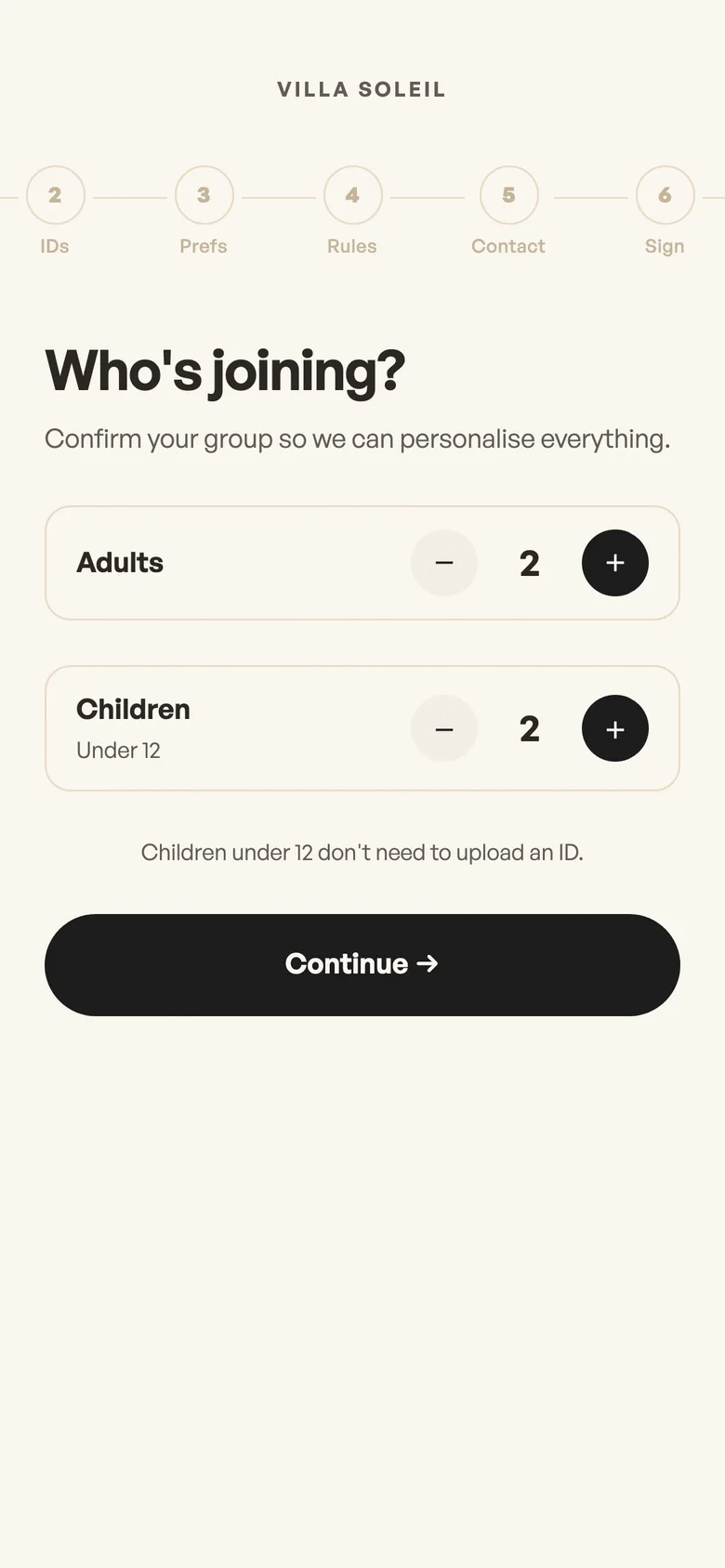
Group
Who is coming: adults and children.
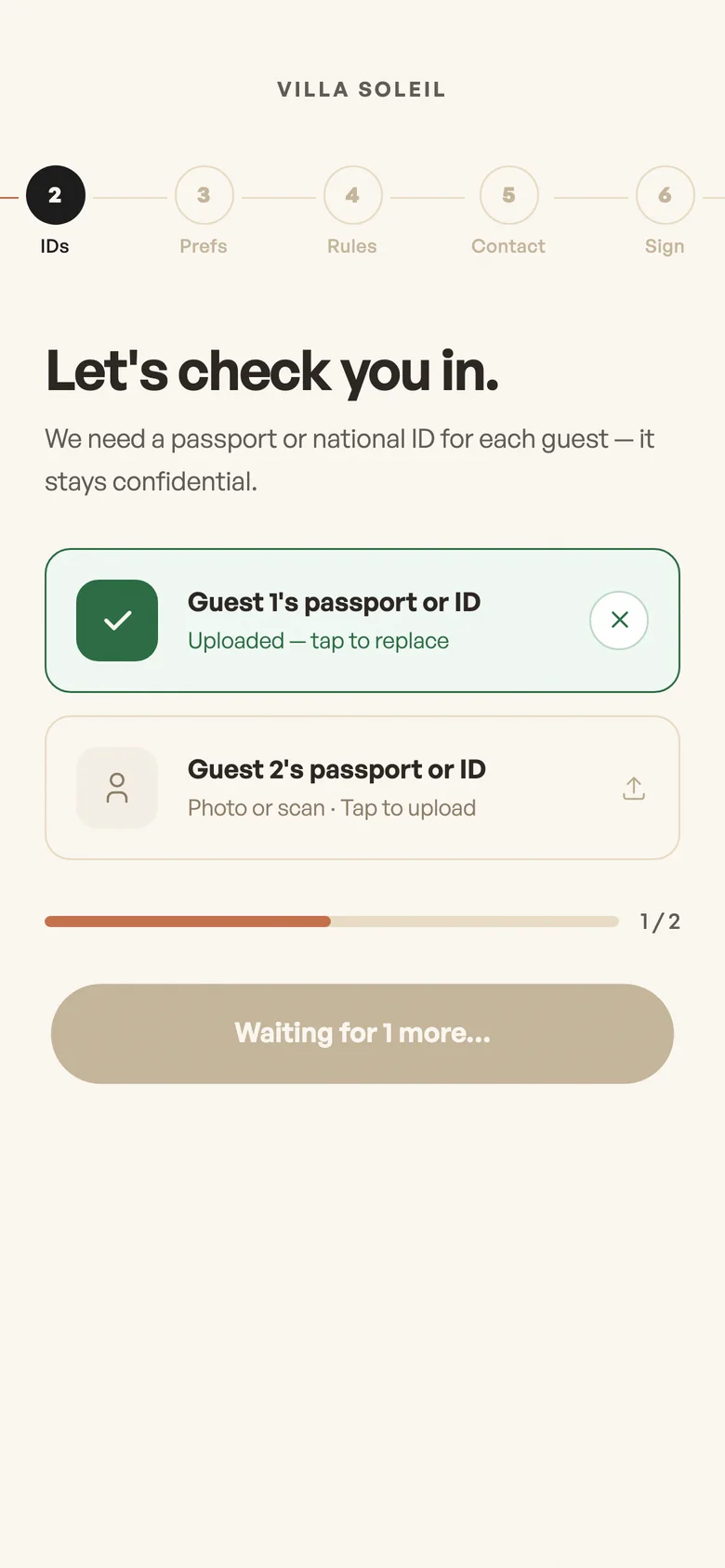
IDs
A photo of each adult's passport or ID.
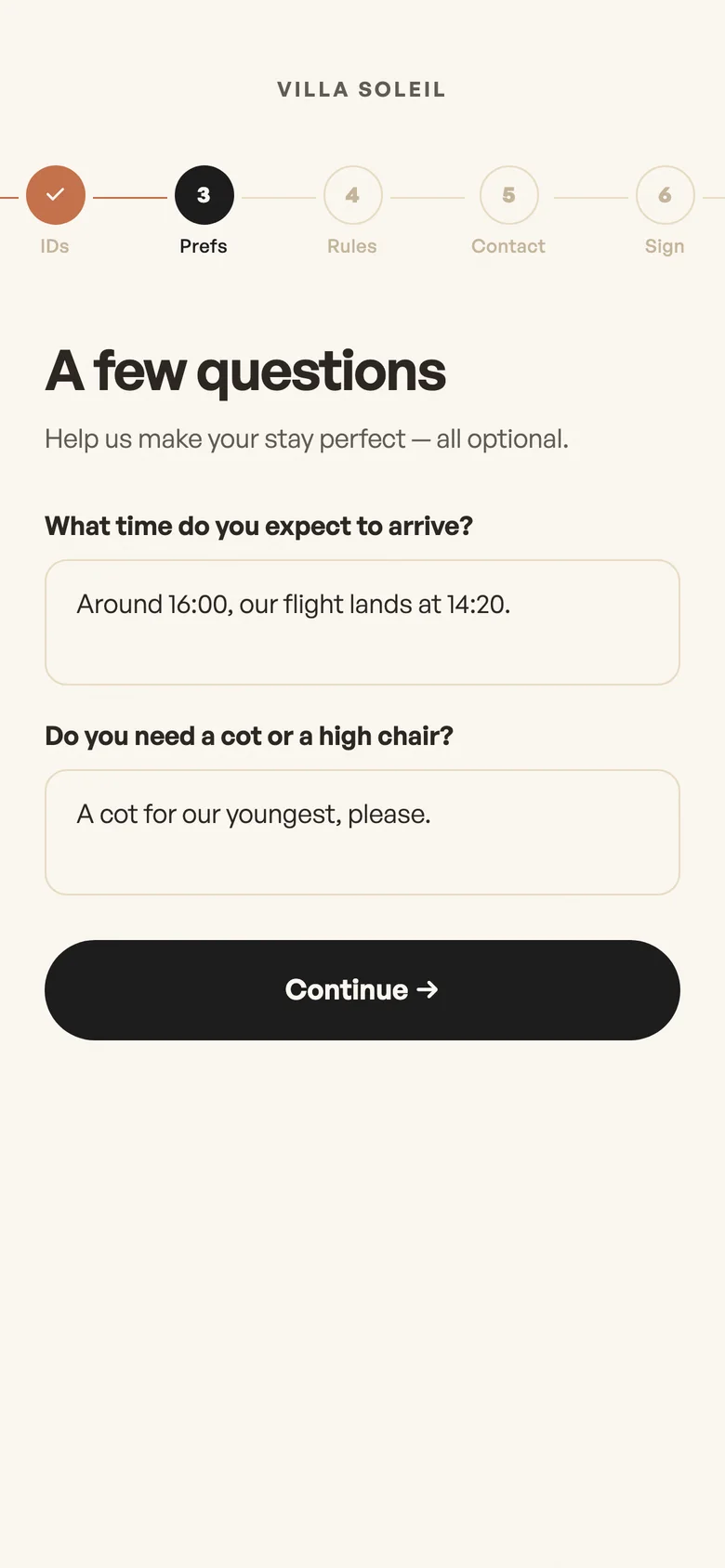
Questions
Your own: arrival time, cot, allergies.
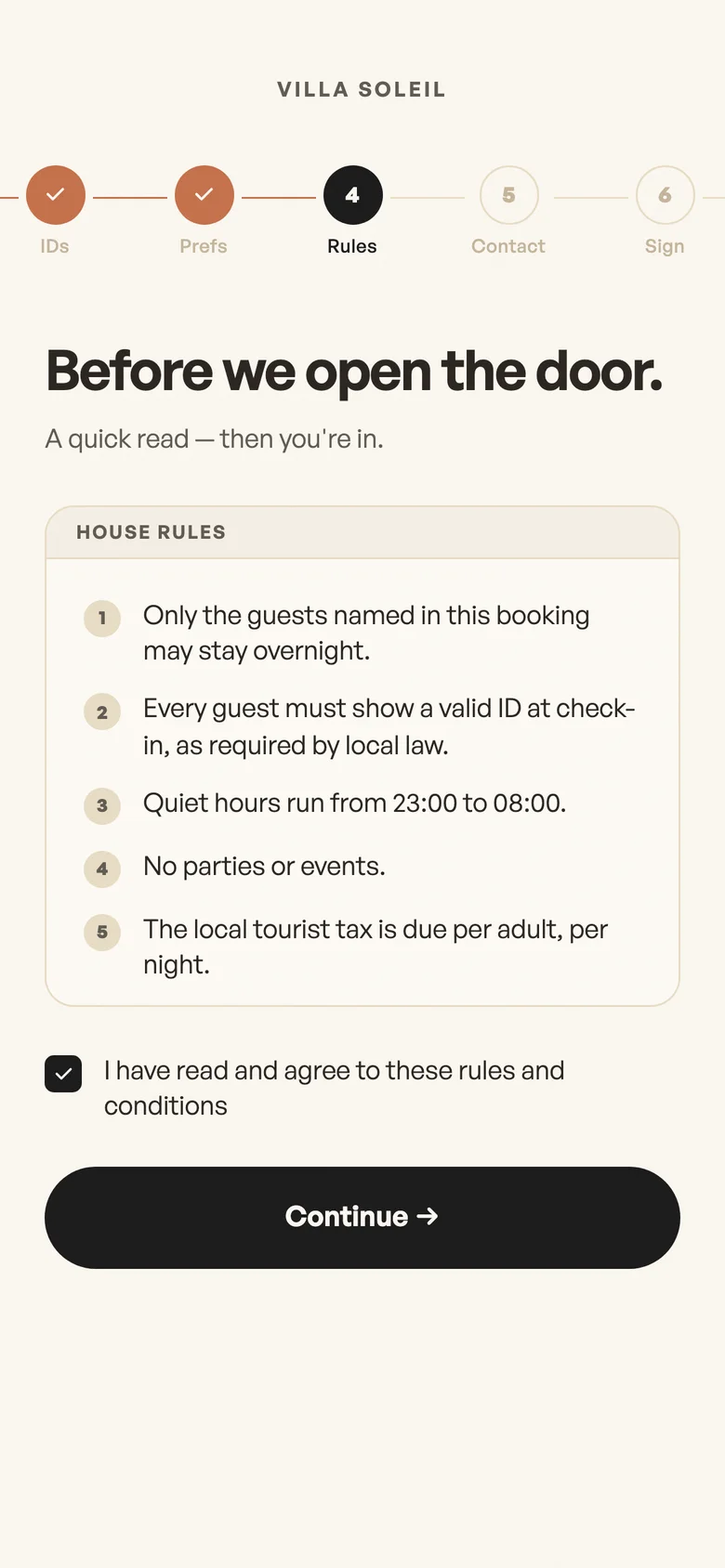
Rules
Read and accepted before they can continue.
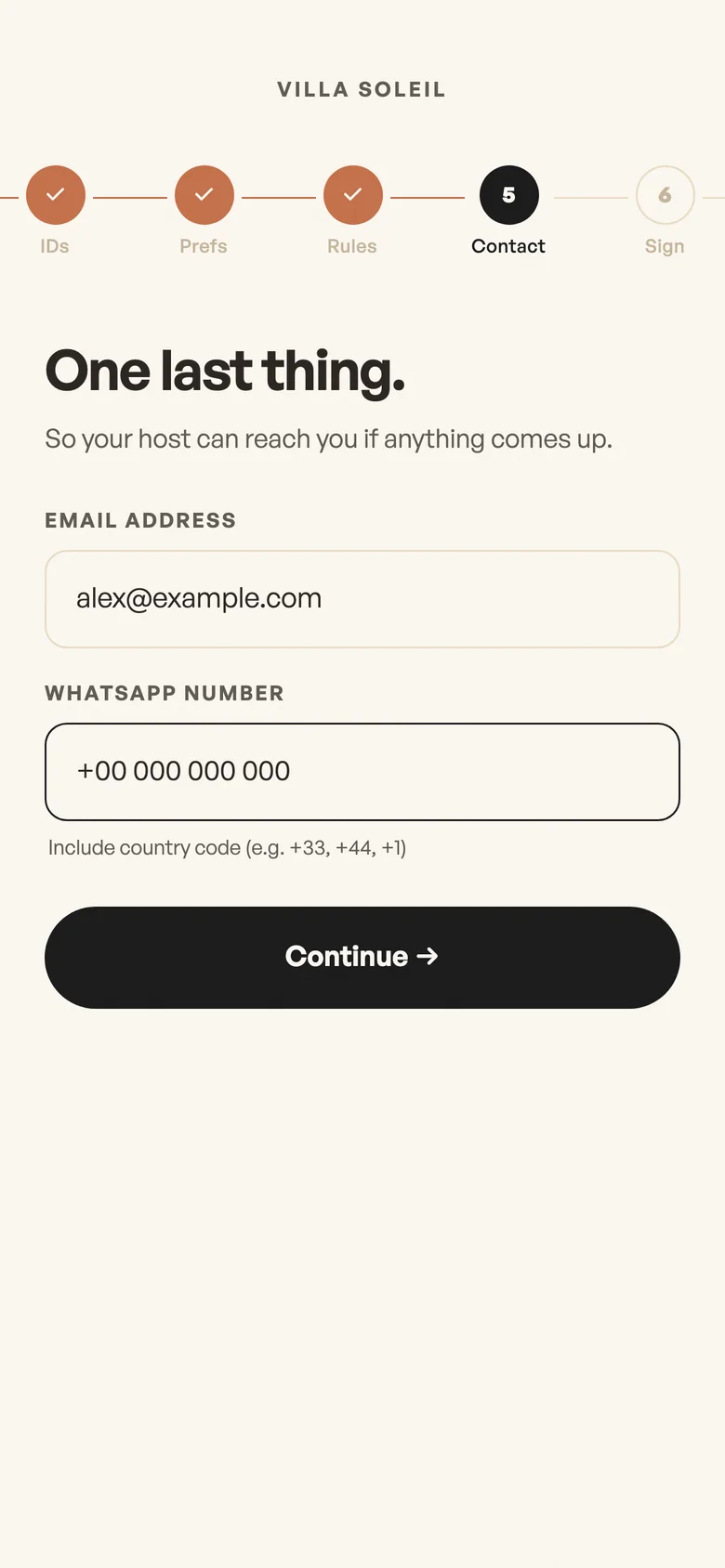
Contact
Email and WhatsApp number.
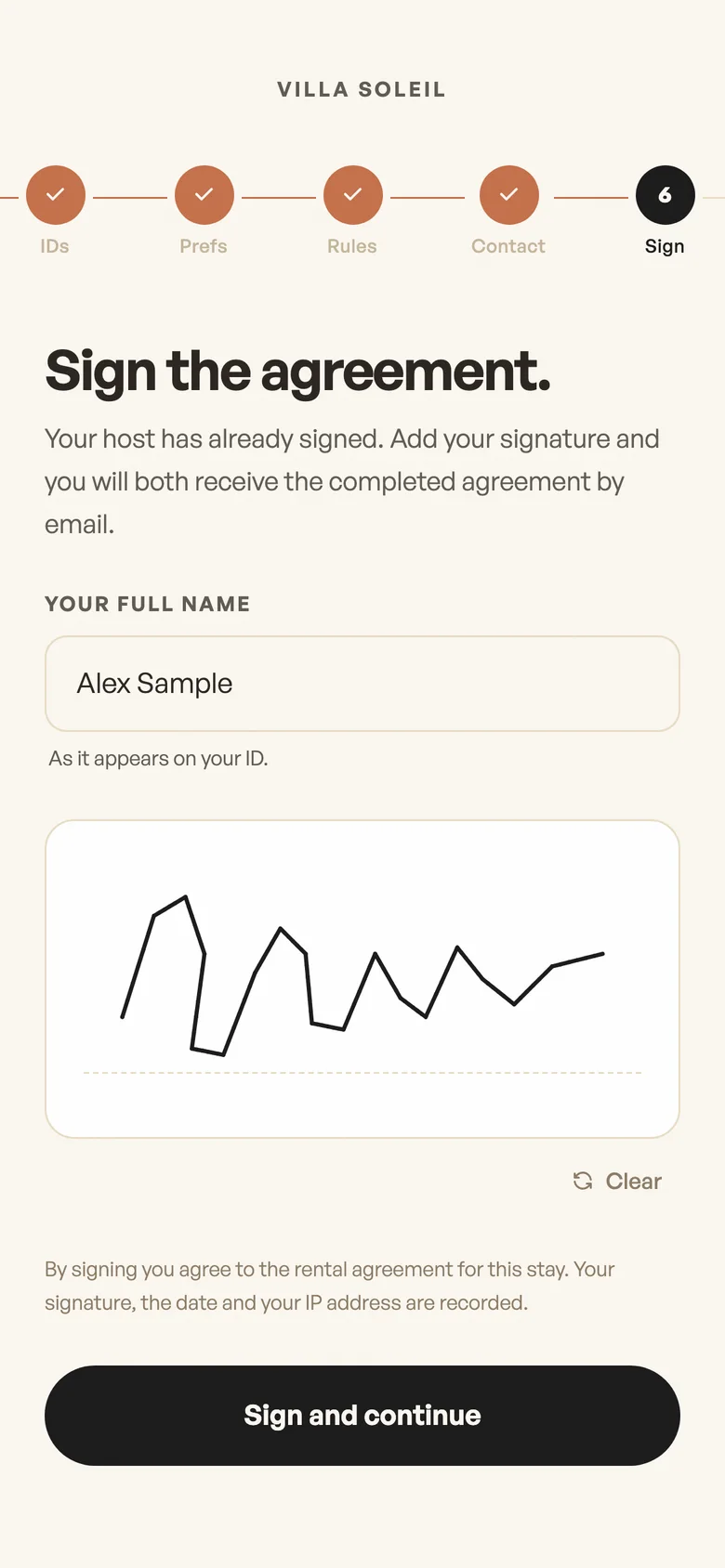
Signature
The rental agreement, signed on their phone.
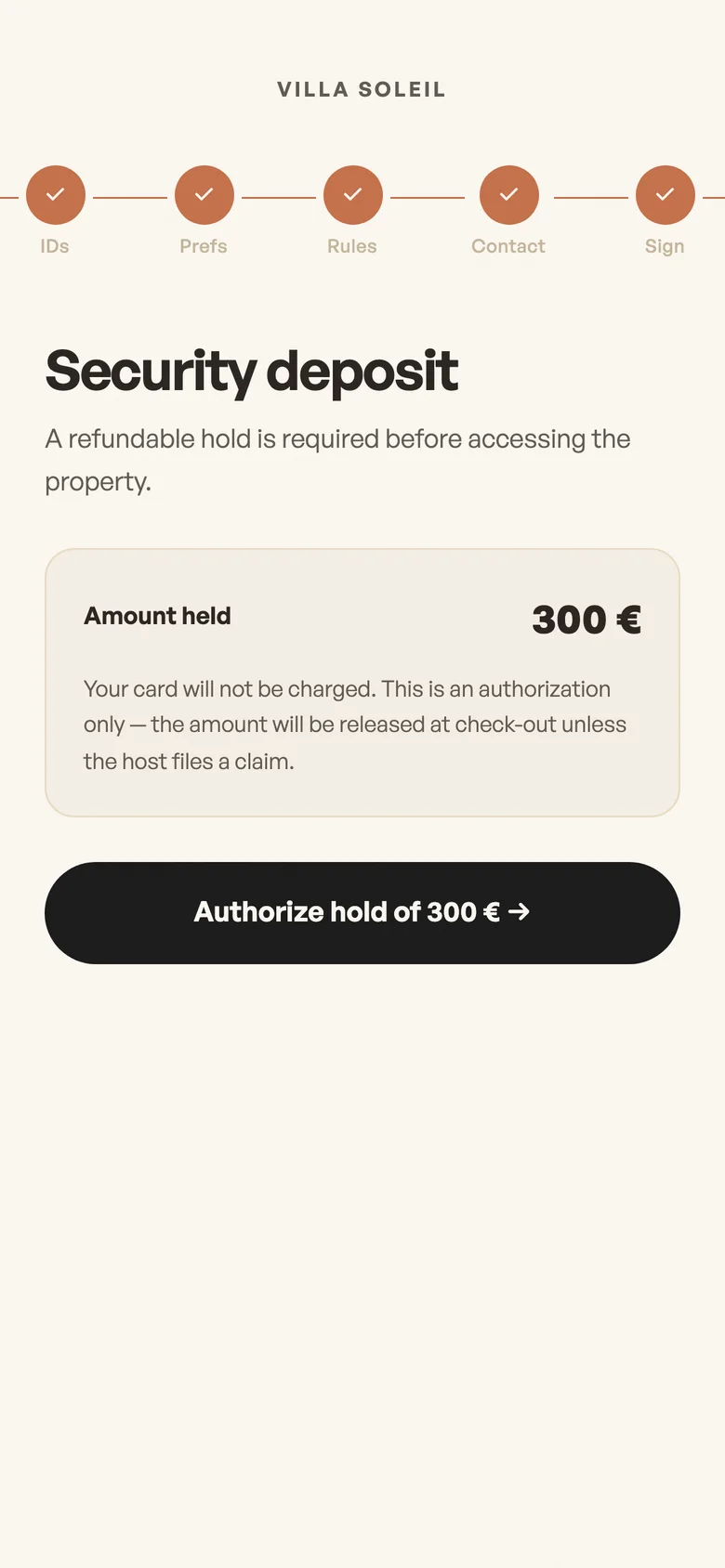
Deposit
A hold on their card, not a charge.
On real stays
Before the flight
Guests finish it from their phone
- They open your link and see one short screen at a time, in their language.
- The portal stays closed until they reach the end.
- Then the arrival guide, the manual and the services are all there.
A late arrival and a cot
You ask once, they answer once
- You add your own questions for each property.
- Their answers are saved with the stay, so nobody has to chase them on messages.
The deposit
No awkward conversation
- The guest authorises a hold on their card, through Stripe.
- Nothing is charged at this point.
- If something breaks, you can act on the hold.
Check-in completed
Everyone who needs to know, knows
- You get the forms, the ID files and the signed agreement by email.
- If you run the procedure, your security guard gets the guest count and the dates on WhatsApp.
What is included
- No app and no account for guests
- Translated into seven languages
- ID upload from the phone's camera
- Your own questions, per property
- House rules with a required tick
- Guest email and WhatsApp number
- Electronic signature of the agreement
- Deposit hold through Stripe, per property
- Forms and files emailed to you when it is done
We set up your rules, questions, agreement and deposit for each property during setup.
Book a free auditFAQ
What if a guest does not complete it?
The portal stays closed until they do, and you can see on the stay what they have filled in.
Do children need an ID?
Children under 12 do not need to upload one.
Can I remove steps?
Your questions, rules and deposit are optional for each property. The group, IDs, contact and signature steps are always there.
All use cases
 Operations automationYour SOPs, built and run by agents: guest replies, staff briefings and provider messages on WhatsApp.
 Local compliancePolice forms, ID collection and house rules, handled at check-in.
 Guest portalOne private link with the map, guides, services and a concierge that answers 24/7.
 UpsellsBreakfast, transfers, massages. Guests pay by card, and the job goes out on WhatsApp.
 RetargetingPartly coming soonEvery guest's email and WhatsApp, ready for your next-stay offers.
 Landing pagesPartly coming soonA public page for each property, with its services and your booking link.
15 minutes to see what can run on its own.
Book a call with Yasmine, founder of Staye. She is a hospitality professional with years of experience, and she runs a property management business herself. She will look at your operation with you and set up your free audit.